What's inside
- Docker Compose files for Uptime Kuma, Vaultwarden, Umami (+Postgres), Forgejo, n8n and ntfy, with pinned versions and every port bound to 127.0.0.1. Docker-published ports bypass ufw, and several upstream examples publish them publicly.
- A Caddyfile with one block per app: automatic Let's Encrypt certificates and renewal
- bootstrap.sh: Docker, Caddy, ufw, fail2ban, automatic security updates, swap and nightly backups. Dry run by default; idempotent; reads your real SSH port before enabling ufw, so a custom port can't lock you out; reports any failed step
- backup.sh + systemd timer: pg_dump for Postgres apps, a brief stop for SQLite apps (live copies can corrupt), 14-day retention, optional rclone offsite copy, and a restore guide
- preflight.sh and docker-port-audit.sh: read-only checks for SSH hardening, public ports and exposed containers
- A README with per-app gotchas found in testing: Umami's default admin/umami login, the n8n EACCES crash on first start (fixed with an init container), Vaultwarden signups, and Forgejo SSH exposure
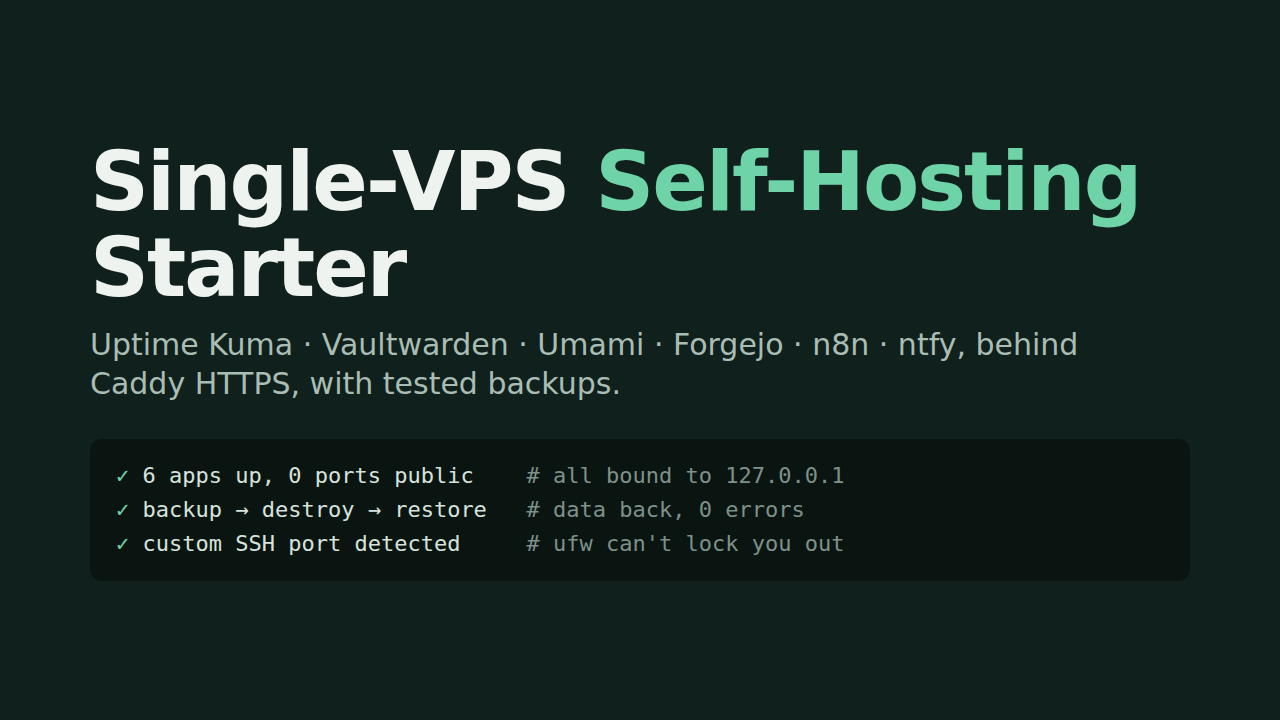
Tested on a real Ubuntu 24.04 server: all six apps healthy with zero public ports; backup → destroy → restore brought the data back with zero errors; bootstrap tested on a fresh 24.04 image.
Any Ubuntu 22.04/24.04 VPS with 2 GB RAM runs all six. Each app is its own open-source project under its own license.
Guides
- How much RAM do self-hosted apps really use? Six apps measured on one VPS
- Docker Compose backups that actually restore: pg_dump, SQLite, and a tested restore
- n8n "EACCES: permission denied, open '/home/node/.n8n/config'" in Docker: cause and a fix that sticks
- Docker bypasses ufw: why your "denied" port is public, and the one-line fix